SPEECH-TO-TEXT
Hold a key. Speak. Release.
Text appears where your cursor is.
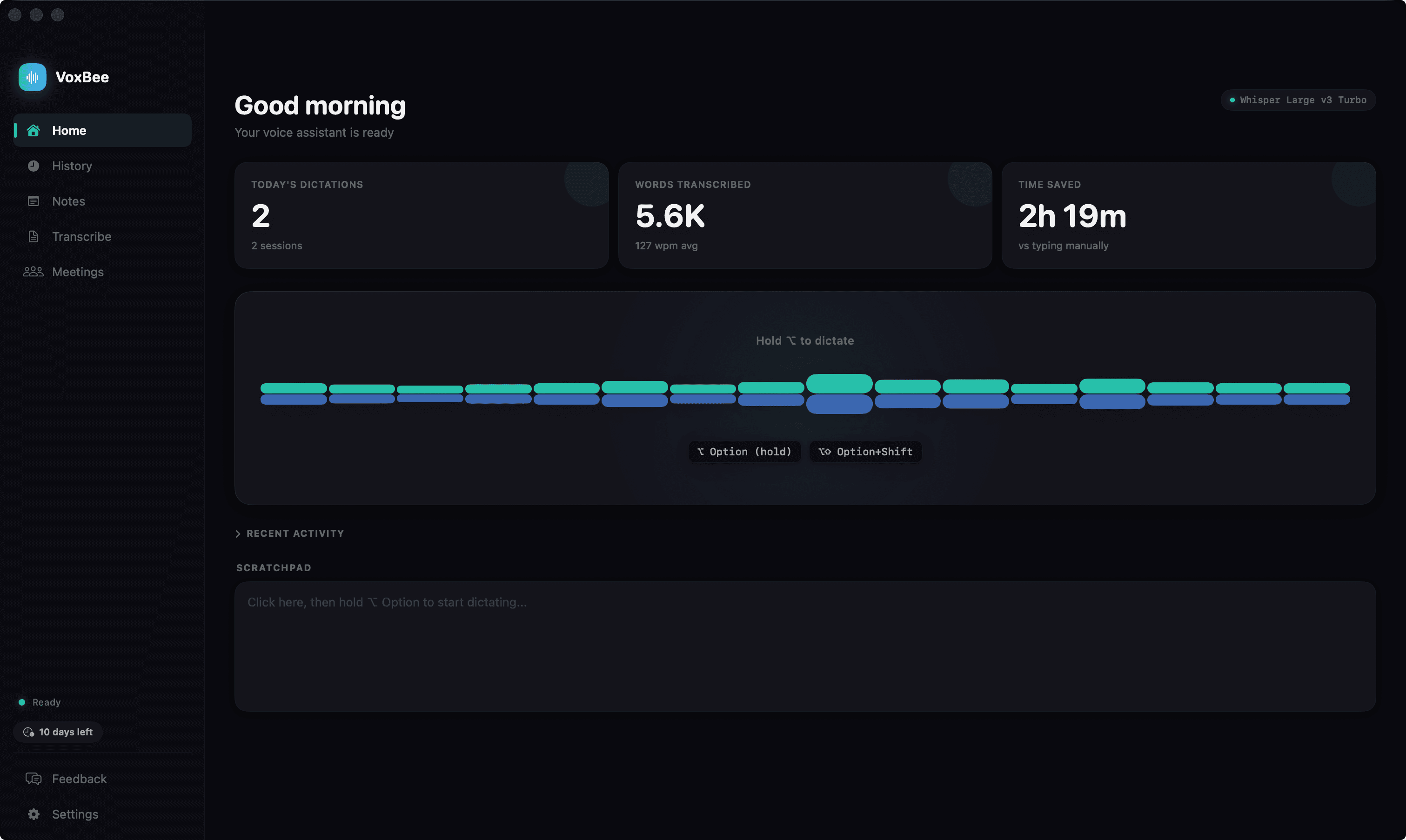
Push-to-talk dictation that works in every app. VoxBee captures your voice, transcribes it on-device using Whisper and NVIDIA Parakeet models, and injects the text wherever you're typing — no copy-paste needed.
How it works
Hold your hotkey
Option, Fn, or Control
Speak naturally
In 30 supported languages
Release to transcribe
Text appears at your cursor
Everything you need for voice typing
Push-to-Talk & Hands-Free
Hold Option, Fn, or Control to record, release to transcribe. Or use hands-free mode — tap the hotkey combo to start, tap again to stop.
30 Languages + Guided Setup
Choose from 30 supported languages. VoxBee recommends a compatible model, offers one-click downloads, and warns you if the active model cannot serve your language.
Grammar Correction
Powered by Harper, VoxBee cleans up grammar and removes filler words (um, uh, er, ah) so your text reads naturally.
Configurable Hotkeys
Choose between Option, Fn (Globe), or Control (⌃) as your push-to-talk key. Each has a companion key for hands-free mode.
Works in Every App
Text is injected wherever your cursor is — Slack, VS Code, Cursor, Notion, Notes, Terminal, or any other app.
10 On-Device Models
Choose between 7 Whisper models and 3 NVIDIA Parakeet models, including fast English options and multilingual European support.
11 Cloud Providers (BYO Key)
Prefer a hosted model? Plug in your own key for OpenAI (gpt-4o-transcribe, whisper-1), Deepgram nova-3, AssemblyAI universal-3-pro, ElevenLabs scribe_v2, Groq whisper-large-v3, xAI Grok, Mistral Voxtral, Cohere Transcribe, Speechmatics, Alibaba Qwen3-ASR, or Soniox. A persistent purple cloud badge shows whenever audio leaves the device.
On-Device Auto-Format (Beta)
On macOS 26 with Apple Intelligence, an on-device Apple Foundation Models pass adds punctuation, capitalization, and list cues before injecting your text. Local, off by default, falls back to raw transcription if the model stalls.
Read Notes Back Aloud
A floating playback dock reads any note, summary, or history entry aloud. Six engines to choose from: System (free, on-device via AVSpeechSynthesizer), OpenAI, ElevenLabs, Deepgram Aura, Groq PlayAI, and Cartesia. Cloud engines are BYO API key and audio is cached by content + voice + speed, so replays never re-bill.
Voice Notes
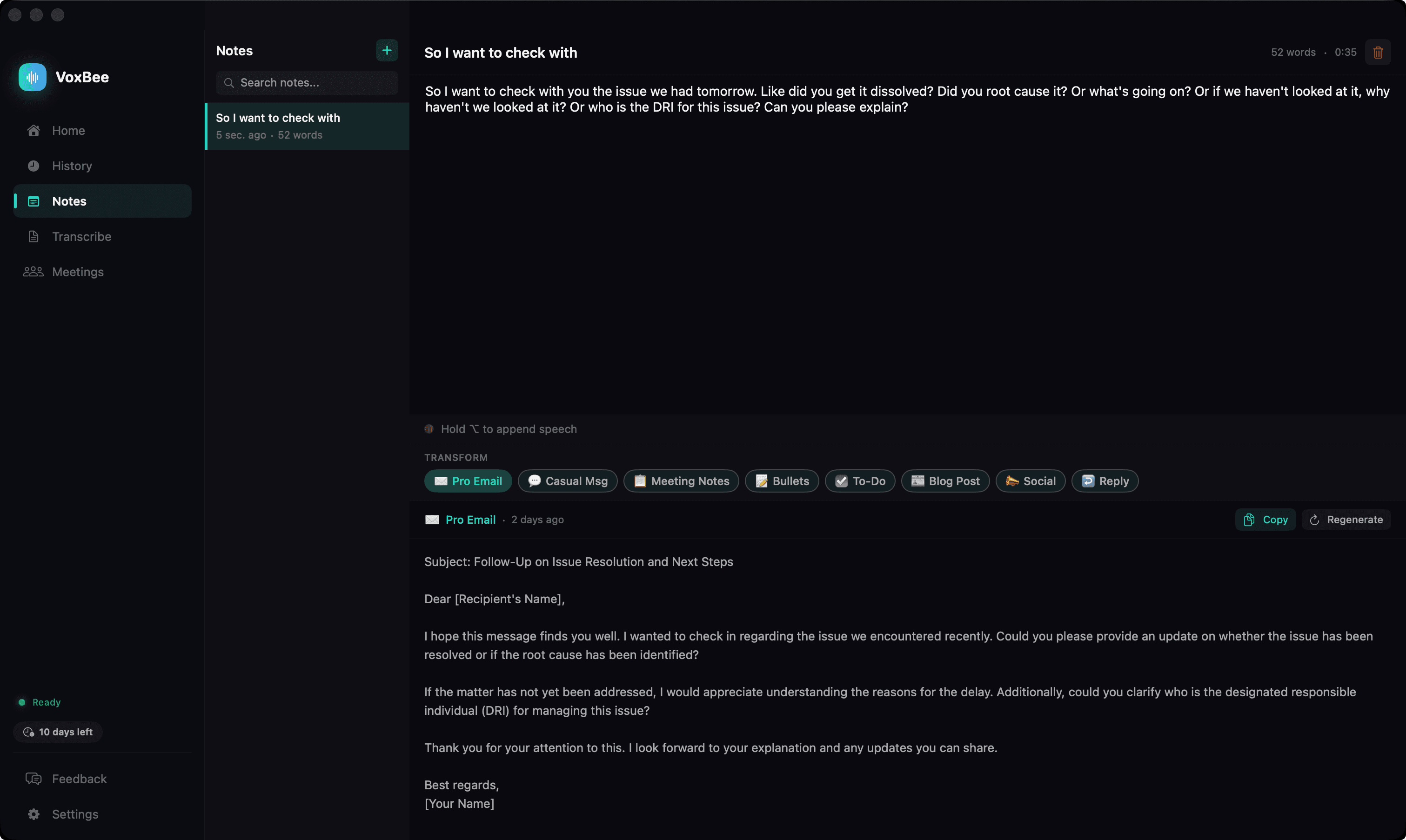
Dictate into a scratch pad, then transform with AI. Turn voice notes into emails, meeting notes, to-do lists, blog posts, and more with 8 built-in templates.
Screenshot Smart Paste
Capture a screenshot while dictating — drag to select any region. VoxBee automatically pastes the image into 20+ apps alongside your text.
On-device by default.
Dictation runs locally with Whisper or NVIDIA Parakeet on your Mac, Windows, or Linux machine — no internet, no cloud, no data collection. If you opt into a cloud provider with your own API key, a persistent purple cloud badge shows whenever audio leaves your device, so you always know where your voice is going.